
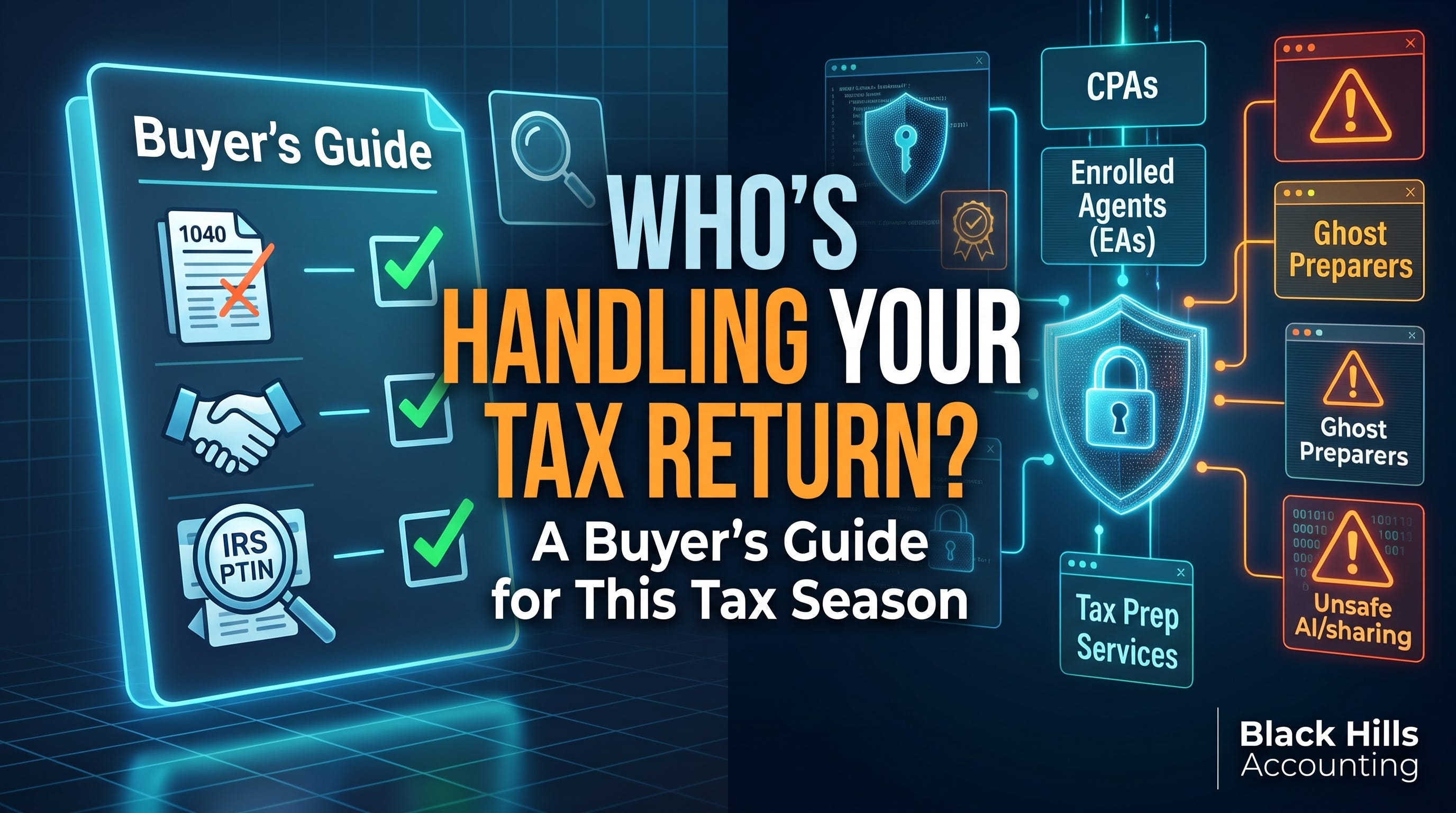
Your tax return holds more about you than almost any other document you own: your Social Security number, your family members, your income, your bank accounts, and often your health and charitable choices. When you hire someone to prepare it, you are handing all of that to a stranger.
This season there’s a new question to ask. Many preparers now use artificial intelligence tools to read documents, draft answers, and speed up their work. Some do it carefully. Some paste client documents into free chatbots without thinking twice. You deserve to know which kind of preparer you’re hiring.
This guide walks you through your options, the credentials that matter, the questions to ask (including about AI), and the warning signs that should send you elsewhere.
Know Your Options
Before you pay anyone, it’s worth knowing what’s available.
· Free IRS-supported options. IRS Free File offers free guided tax software through IRS partner companies for taxpayers under an income limit. Last season the limit was $89,000 of adjusted gross income, and the program reopens in January 2027. Free File Fillable Forms are available to anyone at any income, but they offer no guidance.
· Free volunteer help. The Volunteer Income Tax Assistance (VITA) program offers free basic return preparation and generally serves people who make about $70,244 or less, people with disabilities, and taxpayers with limited English. Tax Counseling for the Elderly (TCE) focuses on people 60 and older, especially with pension and retirement questions.
· No more IRS Direct File. The IRS’s own free filing tool was suspended in late 2025 and is not an option this season.
· Do-it-yourself software. A good fit for simple returns if you’re comfortable entering your own information.
· Paid preparers. Worth it when your situation is more complex: a business or rental, a major life change, multiple states, prior-year problems, or IRS letters.
Understand Who You’re Hiring
Anyone with an IRS Preparer Tax Identification Number (PTIN) can legally charge to prepare your return. That’s the only federal requirement. Skill, training, and accountability vary widely.
· Certified Public Accountants (CPAs) are licensed by their state board of accountancy.
· Enrolled Agents (EAs) are licensed by the IRS and specialize in tax.
· Attorneys are licensed by their state bar.
· Annual Filing Season Program participants are non-credentialed preparers who completed IRS-recognized continuing education for the year.
· PTIN-only preparers have no credential beyond registration.
Why it matters: CPAs, EAs, and attorneys can represent you before the IRS in any situation. Annual Filing Season Program participants can represent you only in limited situations, and only for returns they prepared and signed. Other preparers can’t represent you at all. If you get audited, you want someone who can stand with you.
How to check:
· Search the IRS Directory of Federal Tax Return Preparers with Credentials and Select Qualifications.
· For CPAs, check your state board of accountancy. For attorneys, check the state bar. For EAs, use the IRS tool to verify enrolled agent status.
· Look up the preparer with the Better Business Bureau and check for disciplinary actions.
Ask About AI and Your Data
This is the part of the conversation most taxpayers skip. Don’t.
Federal law already limits what preparers can do with your information. Under Internal Revenue Code Section 7216, a preparer who knowingly or recklessly discloses your tax information, or uses it for anything other than preparing your return, commits a federal misdemeanor. A separate civil penalty under Section 6713 applies even to honest mistakes. In June 2026, the IRS told tax professionals plainly that they “must strictly handle all client data using only secure, enterprise-approved AI” and should “never upload sensitive data to unsecured sites.”
That’s a good rule. Your job is to make sure your preparer follows it. Ask these questions:
1. Do you use AI tools on client returns or documents? A straight answer is a good sign. Vagueness is not.
2. Which tools, and are they business or enterprise versions? Free consumer chatbots are not appropriate for your tax documents.
3. Does the AI vendor use client data to train its models? The answer should be no, in writing.
4. Where is my data processed and stored? Your information shouldn’t leave the United States without your written permission. Federal rules generally bar preparers from sending a Form 1040 filer’s Social Security number overseas at all.
5. Do you run any AI locally, on your own computers? Tools that run entirely in the preparer’s office keep your data from going to an outside company.
6. Who reviews the AI’s work? A qualified person should check every number and every answer. The IRS requires preparers to verify AI output, not trust it.
7. Do you have a Written Information Security Plan? Federal law requires tax preparers to have one. A professional will know what you mean.
8. How do I send you documents? Look for a secure client portal. Avoid preparers who want your W-2s and Social Security cards by regular email or text.
Know your consent rights
If a preparer wants to share your tax information with an outside AI company, or use it in a way that goes beyond preparing your return, they generally need your signed written consent first. Under the federal rules:
· The consent form must name who gets your information and why.
· It must be signed and dated before your information is shared. It can’t be signed afterward.
· You can say no. With a narrow exception, a preparer can’t refuse to prepare your return just because you won’t sign an AI or data-sharing consent.
· You’re entitled to a copy of anything you sign.
· If no end date is listed, the consent lasts one year.
Read any consent form before you sign it. If it’s buried in a stack of paperwork and no one explains it, ask.
Questions to Ask Before You Hire
· What are your fees, and how are they calculated? Get it in writing. Avoid anyone who charges a percentage of your refund.
· Are you available year-round? IRS letters don’t arrive only in March.
· Will you sign my return and include your PTIN? The answer must be yes.
· Will you e-file? E-filing with direct deposit is the fastest way to get a refund. The IRS issues most of those refunds in under 21 days.
· Are you up to date on the new tax law? Recent federal changes added new deductions and changed many familiar rules. Ask how the preparer is handling them.
· Can you represent me if I’m audited? See the credentials section above.
Red Flags: Walk Away If You See These
The IRS warns about “ghost” preparers who prepare a return but refuse to sign it. Here’s what to watch for:
· They won’t sign the return or include their PTIN.
· They ask you to sign a blank or incomplete return.
· They charge a fee based on the size of your refund.
· They want your refund deposited into their bank account instead of yours.
· They promise a bigger refund than anyone else can get.
· They want cash only and won’t give a receipt.
· They file using a pay stub instead of your Form W-2, which violates IRS e-file rules.
· They don’t ask for documents or ask few questions about your income and deductions.
· They can’t or won’t tell you how they protect your data, or say “it’s fine, everyone uses ChatGPT.”
You are legally responsible for what’s on your return, even if someone else prepared it. A preparer who cuts corners can disappear and leave you with the penalties, interest, and audit.
Protect Yourself Before and After You File
· Get an IRS Identity Protection PIN. This six-digit number blocks anyone else from filing a return with your Social Security number.
· Use multifactor authentication on your IRS Online Account and any preparer portal.
· Review your return before signing. Ask about anything unclear. Double-check the bank routing and account numbers.
· Keep a copy of your signed return and any consent forms.
· Report problems. File IRS Form 14157 to complain about preparer misconduct. If you think a preparer filed or changed your return without your permission, file Form 14157-A.
Quick Checklist
· Confirmed the preparer has a PTIN and checked their credentials
· Got fees in writing, not based on my refund
· Asked whether they use AI, which tools, and how my data is protected
· Read any consent form before signing, and kept a copy
· Sending documents through a secure portal, not email or text
· Reviewed my completed return, including bank account numbers
· Confirmed the preparer signed the return
· Refund going directly to my account
The Bottom Line
A good tax preparer saves you money, time, and stress. A careless one can cost you all three, and now your data may be at risk too. Ask about credentials, fees, and AI before you hand over a single document. The right preparer will welcome the questions.
This article is general information for taxpayers and is not legal or tax advice.
Sources
· IRS, Choosing a tax professional
· IRS, IRS reminds taxpayers: Choose a tax professional carefully
· IRS, What taxpayers should know when choosing a tax professional
· IRS, Taxpayers should beware of ghost preparers
· IRS, Tax return preparer misconduct
· IRS, Free tax return preparation for qualifying taxpayers
· IRS Free File, Browse all offers
· Congressional Research Service, The IRS Direct File Program
· 26 CFR § 301.7216-3, Consent requirements
· IRS OPR Alert 2026-19, Introductory Guidelines for Responsible AI Use in Federal Tax Practice
· IRS, Written Information Security Plans are essential for tax pros
· IRS Security Summit, Strengthen defenses against tax identity theft